 Mongoose
Videos and Webinars
We have put together a collection of expert-led videos, including tutorials, demos, and deep dives into embedded WebUI, networking, and IoT - plus a series of webinars focused on key microcontroller platforms. Watch some of them below and explore our Mongoose YouTube channel for more.

Videos
How Much Flash and RAM Does a TCP/IP Stack Need on STM32?
How much flash and RAM does a TCP/IP stack take on an STM32? We measured it on a bare-metal Nucleo-H723ZG with the Mongoose networking library, with and without TLS. Results: - TCP/IP stack + HTTP server, no TLS: ~36 KB flash, ~10 KB RAM, ~1.6 KB RAM per connection; - With built-in TLS 1.3: ~82 KB flash, ~10 KB RAM, ~14 KB RAM per HTTPS connection; - Ethernet DMA buffers: 12 KB in RAM_D2 (4 RX + 4 TX descriptors), not included above; - Throughput: ~1,600 HTTP requests per second with logging at INFO level. No RTOS, no CubeMX, no lwIP, no mbedTLS. Just a ~200 line handwritten HAL, the Mongoose built-in Ethernet driver, TCP/IP stack and TLS, built with arm-none-eabi-gcc -Os.
STM32 Device Management deep dive: secure OTA, remote control, and health monitor
How to manage a fleet of STM32 devices with the Mongoose networking library and mDash. We take a bare-metal STM32 Nucleo-H723ZG and do three things: 1. Firmware OTA update from the web UI and with curl, then ECDSA-signed firmware that rejects unsigned images; 2. Remote control with custom JSON-RPC functions that you call as a REST API; 3. Health monitor: catch a HardFault, get a crash core file, and get the backtrace in GDB or automatically in mDash. There’s no RTOS, lwIP or mbedTLS in the firmware, and the same steps work on other MCUs and under FreeRTOS or ThreadX.
How to connect STM32 Nucleo-H723ZG to AWS IoT
How to connect an STM32 to AWS IoT Core over MQTT with mutual TLS. We use an STM32 Nucleo-H723ZG and the Mongoose library, with no lwIP, no mbedTLS and no RTOS. The firmware is bare metal, and Mongoose provides the TCP/IP stack, the TLS and the MQTT client.
How to Connect STM32 Nucleo-H723ZG to EMQX
How to connect an STM32 microcontroller to the EMQX MQTT broker over TLS, using the Mongoose networking library. The demo board is an STM32 Nucleo-H723ZG, running bare metal: no RTOS, no lwIP, no mbedTLS. Mongoose provides the TCP/IP stack, TLS and the MQTT client in a single library.
How to Connect STM32 Nucleo-H723ZG to Azure IoT Hub
In this video we connect an STM32 Nucleo-H723ZG to Microsoft Azure IoT Hub using the Mongoose networking library. There’s no Azure SDK and no separate TLS library, just Mongoose and one C file copied from the MQTT client tutorial. The same steps work with STM32CubeMX projects and other microcontrollers supported by Mongoose (ESP32, NXP, RP2040/RP2350 and more).
25000 Websocket messages/second on STM32 Nucleo-H723ZG
How many WebSocket messages per second can an STM32 send? I take a Nucleo-H723ZG (STM32H723, Cortex-M7), run the Mongoose on it, add a WebSocket endpoint and push messages as fast as the board can go. Results, bare metal, no RTOS, no lwIP: ~26,000 messages/second with short (~15 byte) text messages; ~15,000 messages/second with messages 3x longer; zero dropped or throttled messages.
Firmware OTA and remote control on NXP FRDM-RW612
OTA firmware update and remote device control on NXP FRDM-RW612 with Mongoose and mDash. This video shows how to add over-the-air firmware updates and remote control to an NXP FRDM-RW612 board. It uses the Mongoose embedded networking library and mDash, a device management cloud. The same steps work on STM32, ESP32, NXP i.MX RT, RP2350 and other MCUs that Mongoose supports.
fopen() on STM32H5: LittleFS + Mongoose
How to add a file system to the STM32H5 (Nucleo-H563ZI) using LittleFS on the chip's internal flash. No SD card or external flash is needed. Mongoose retargets newlib's syscalls to LittleFS, so the standard C file API (fopen, fread, fwrite, fclose, remove) works in the firmware just like on Linux or Windows.
Firmware OTA Updates: from blinky to secure cloud updates with digital signing and automatic rollback
In this step-by-step demo, we create a simple STM32 firmware project on a Nucleo-H723ZG development board, integrate Mongoose, connect the device to OTA Manager, upload a digitally signed firmware image, perform a remote update, and verify automatic rollback when faulty firmware is deployed.
STM32 TCP/IP Stack Comparison: lwIP vs Mongoose (Flash, RAM, Integration)
In this video we compare lwIP vs Mongoose on STM32 and show how to integrate a TCP/IP stack for embedded devices. We build a working Ethernet project, bring up networking, and compare integration complexity, RAM usage, flash footprint, and production readiness.

OTA Firmware Updates on NXP RW612 over HTTP and MQTT
Learn how to build reliable OTA firmware updates on the NXP RW612 using Mongoose, a production-ready embedded networking stack. See how to create a web dashboard, control hardware from a browser, and deploy OTA updates over HTTP and MQTT.

RP2350 OTA Firmware Update
Learn how to implement a remote firmware update on RPI 2040/2350. In this video, we use the RP2350 Pico2-W development board, but the same method applies to virtually any other microcontroller platform. This video is perfect for anyone working with embedded systems, IoT devices, or RP2040/RP2350 development, and looking to integrate remote firmware update into their product.

STM32 OTA Firmware Update
Learn how to implement a remote firmware update on STM32. In this video, we use the Nucleo-F756ZG development board, but the same method applies to virtually any other microcontroller platform. This video is perfect for anyone working with embedded systems, IoT devices, or STM32 development, and looking to integrate remote firmware update into their product.
Building MQTT Client on a Microcontroller - with HiveMQ Public Broker
Learn how to implement an MQTT client on a microcontroller and build a web-based UI that displays MQTT connection status, provides connect/disconnect control, and lets you publish MQTT messages to any topic.
Download flash from Web UI
Learn how to implement Web UI for downloading any binary data, including flash memory, on any device. It is easy to upload and download any binary file to or from your device. This video uses STM32 Nucleo-F756ZG development board, but the same approach works for any other architecture.

STM32 Ethernet - Limiting TCP/IP Memory Usage to a Preallocated Memory Pool
Learn how to keep your MCU’s networking under control by limiting TCP/IP to a preallocated memory pool - with a live web dashboard showing real-time memory usage on an STM32 Nucleo-F756ZG. Similar approach works on other MCU architectures, too.

Real-time graphs on embedded Web UI dashboard
Learn how to add real-time graphs to an embedded Web UI dashboard. We demo on the STM32 Nucleo-F756ZG, and the same steps work on NXP, ESP32, and other MCUs.

MQTT over TLS on microcontrollers
Explains how to enable TLS for MQTT connections. This video uses STM32 Nucleo-F756ZG development board, but the same procedure can be used for any other microcontroller like NXP, ESP32, etc.

Web dashboard on Zephyr RTOS
Step-by-step tutorial on how to implement a web device on Zephyr RTOS using Mongoose Wizard. This example uses STM32 Nucleo-F756ZG development board, but any network-enabled embedded device that runs Zephyr would work the same way.

STM32 + Ethernet + HTTP + MQTT
Learn to integrate web server (HTTP) and MQTT client on any Ethernet-enabled STM32 microcontroller. This step-by-step tutorial uses a Nucleo-F756ZG board, but is applicable to all STM32 Ethernet devices.
Web file manager on STM32, ESP32 and embedded Linux
Step-by-step tutorial on implementing a Web UI dashboard on the STM32 Nucleo-H563ZI, ESP32, and other embedded devices. The file manager implements file upload, file download and file delete files using Web UI or REST API.
Embedded dashboard tutorial - conditional display on STM32 Nucleo-F756ZG and other MCUs
Step-by-step tutorial on implementing a real-time dashboard with conditional display (to dynamically adapt the dashboard’s appearance in response to changes in the device state) on the Nucleo-F756ZG and other MCUs.
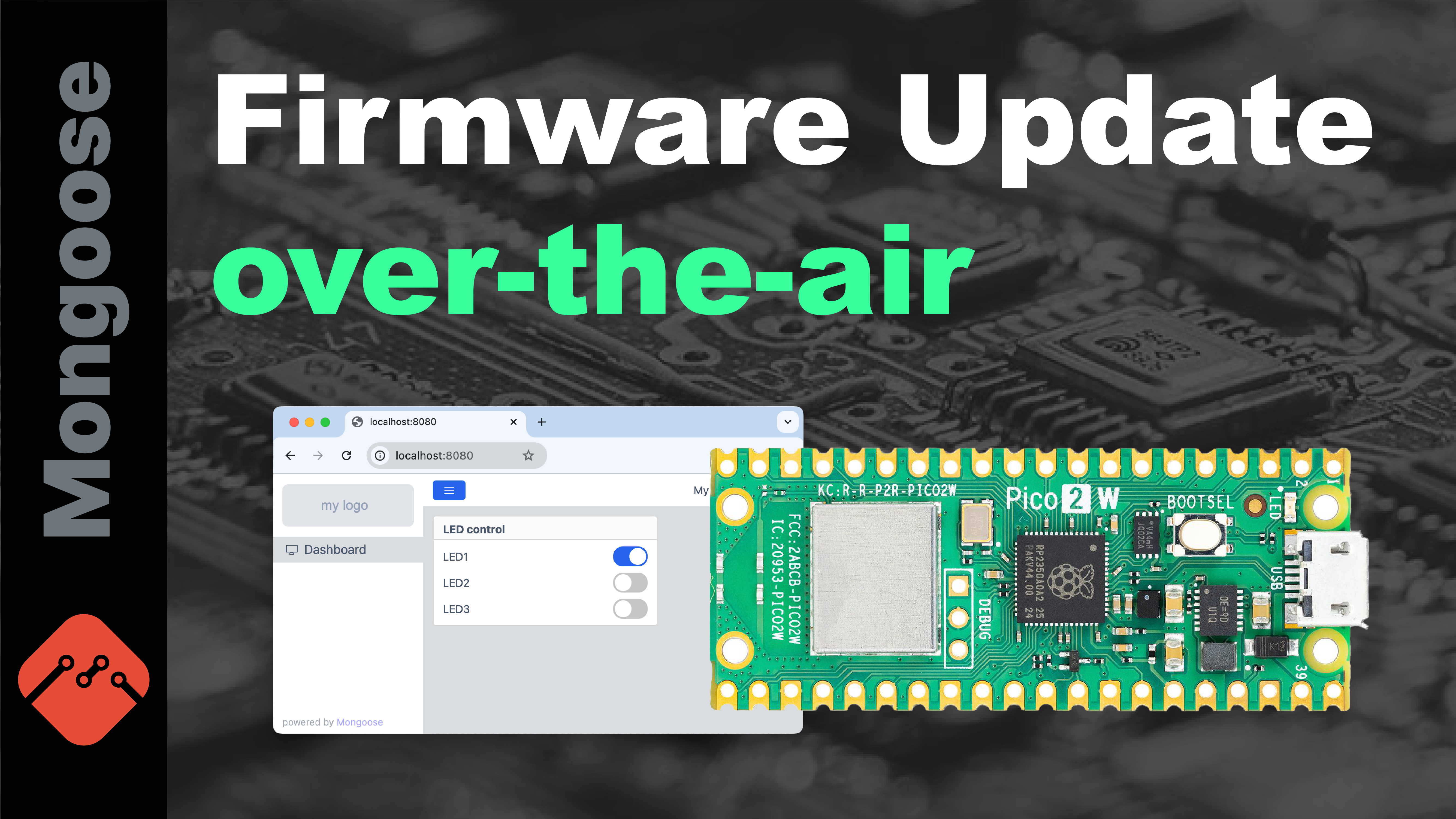
Firmware update on RP2350, STM32H563, NXP RW612 and other MCUs
Step-by-step tutorial on enabling remote firmware updates on STM32 Nucleo-H563ZI, Raspberry Pi Pico2-W (RP2350), NXP FRDM-RW612, and other microcontrollers.
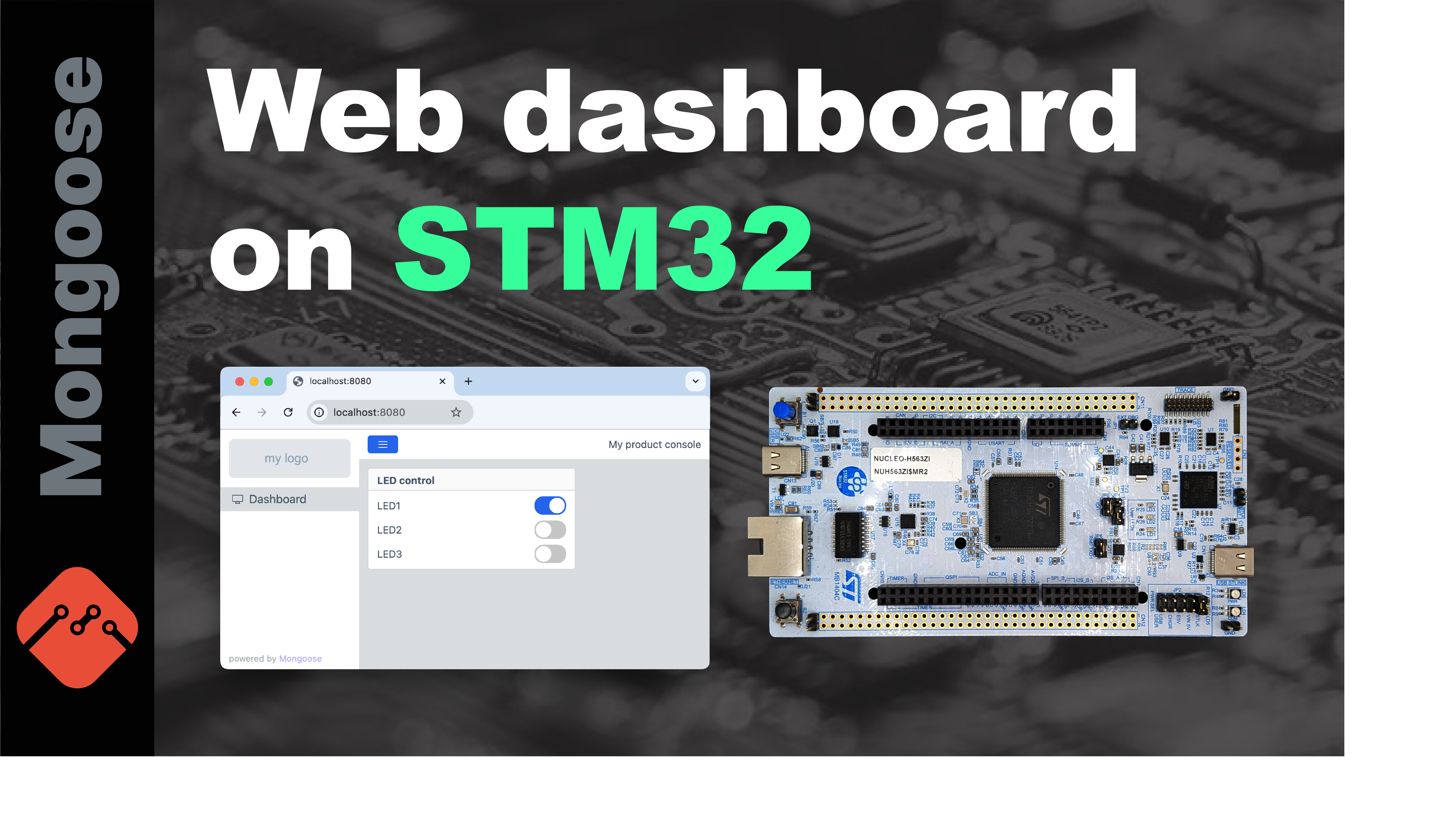
Web device dashboard on STM32
A quick demonstration on how to create a professional Web dashboard on the STM32 series of microcontrollers.
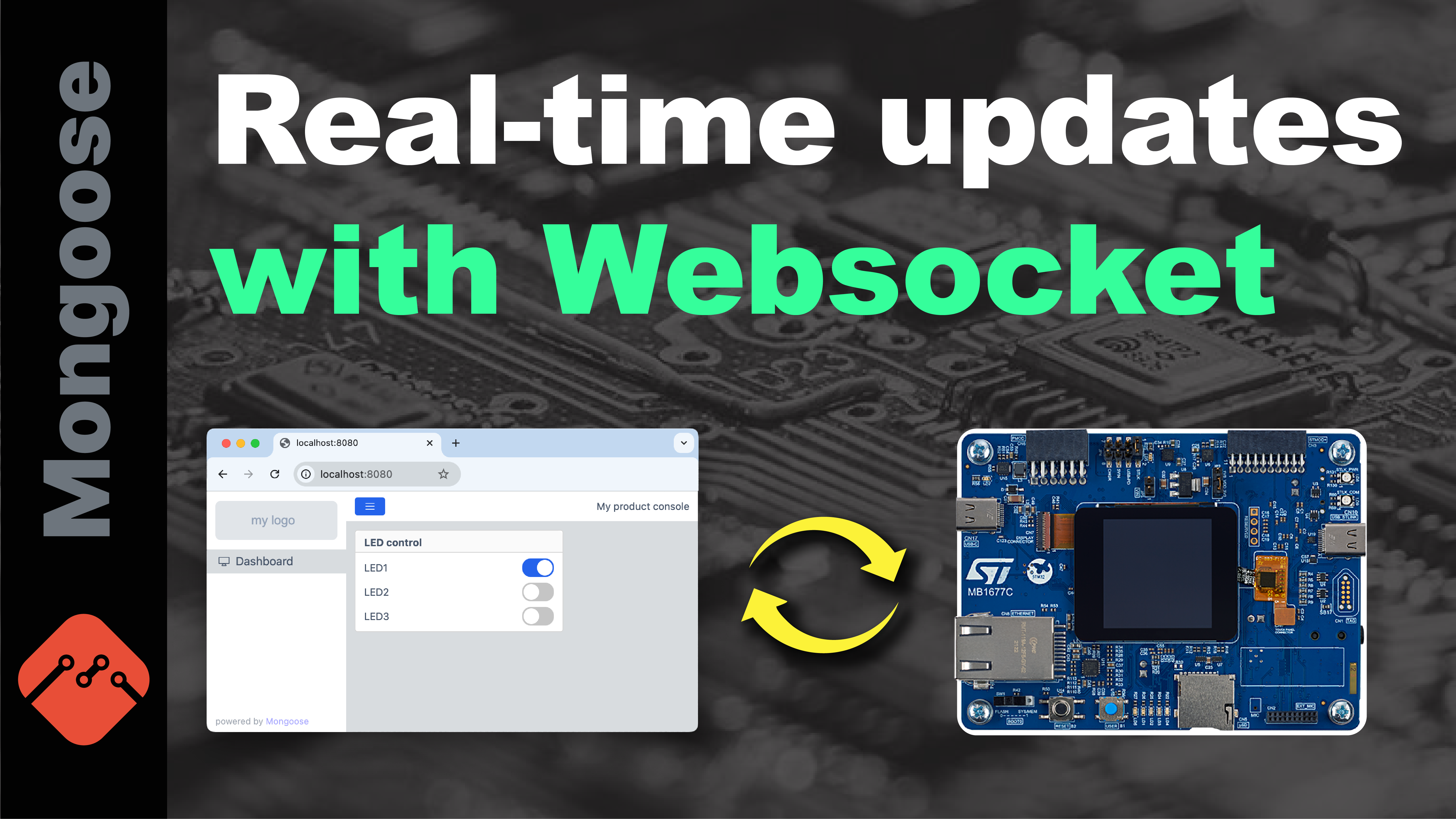
Real time device dashboard updates on STM32H573 and other microcontrollers
Step-by-step tutorial on implementing real-time dashboard updates on the STM32H573I-DK and other microcontrollers. By using a persistent WebSocket connection, the device can push updates to the dashboard at high frequency - up to hundreds of times per second.
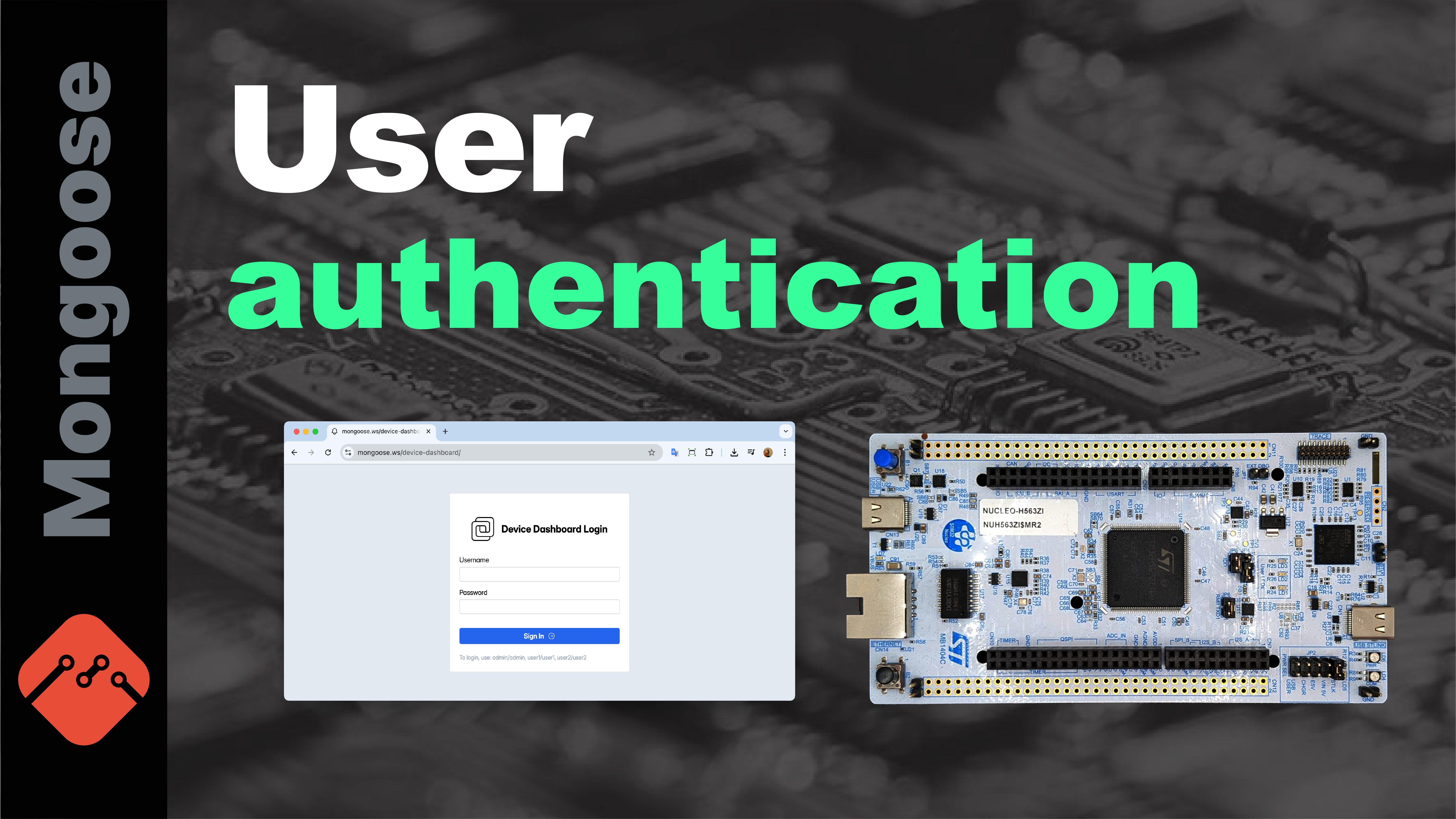
User authentication on STM32 Nucleo-F746ZG and other MCUs
Step-by-step tutorial on enabling user login with multiple credentials level on STM32 Nucleo-F746ZG with Mongoose Wizard, a no-code drag-n-drop tool for developing Web dashboards on embedded devices.
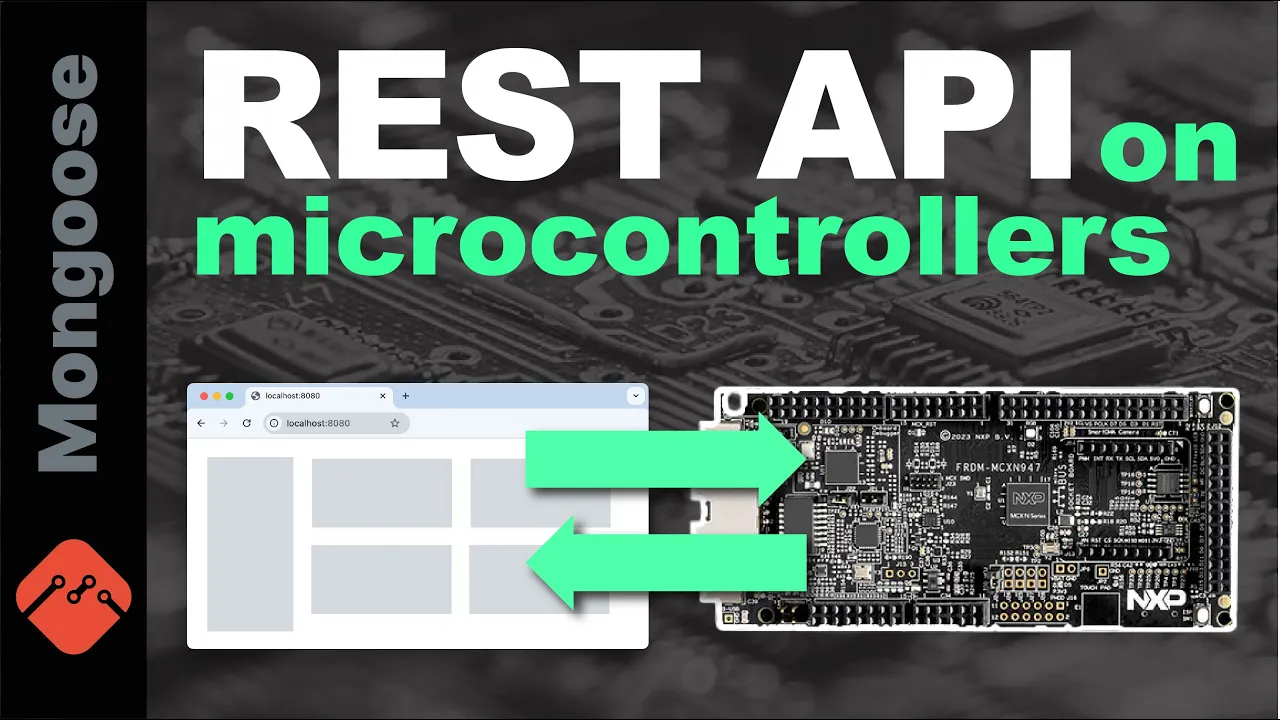
Embedded dashboard tutorial - REST API on NXP MCXN947 and other MCUs
Step-by-step tutorial on creating a REST API on NXP MCXN947 with Mongoose Wizard, a no-code drag-n-drop tool for developing Web dashboards on embedded devices.
LED dashboard on Infineon XMC7 microcontroller
A quick demonstration on how to create a professional Web dashboard on the XMC7 microcontroller by Infineon using Mongoose Library and Mongoose Wizard.
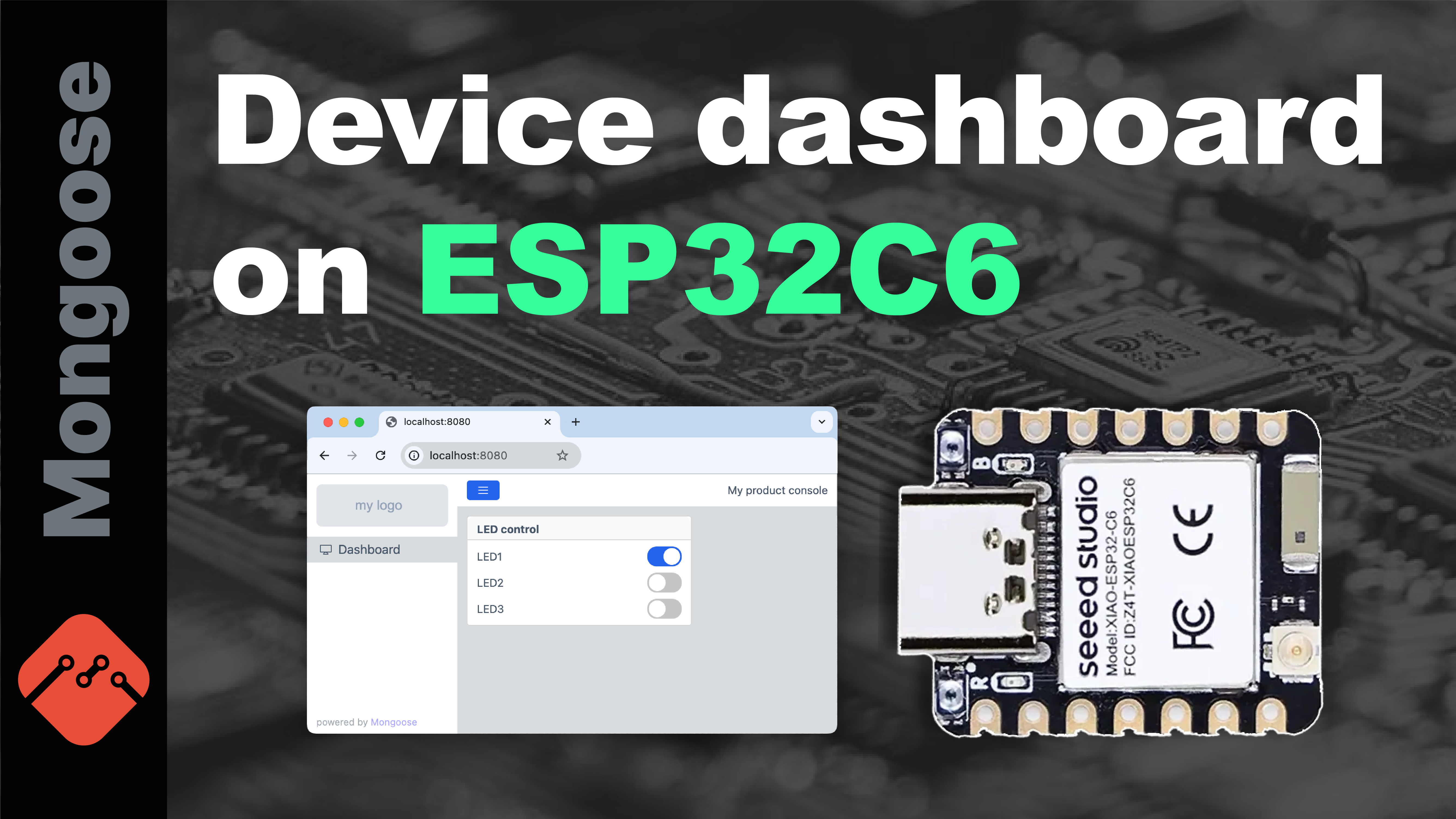
Device dashboard on ESP32C6
A quick demonstration on how to create a professional Web dashboard on the ESP32 series of microcontrollers using Mongoose Library and Mongoose Wizard.
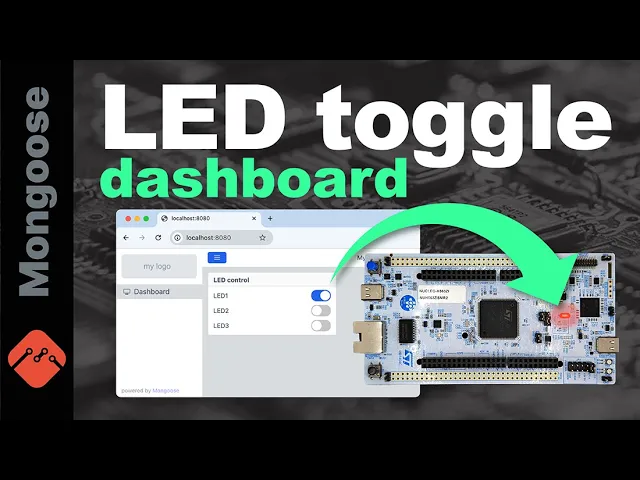
Embedded dashboard tutorial - LED toggle on Nucleo-STM32H563ZI and other MCUs
Step-by-step tutorial on how to create a Web dashboard for LED control on Nucleo-STM32H563ZI.
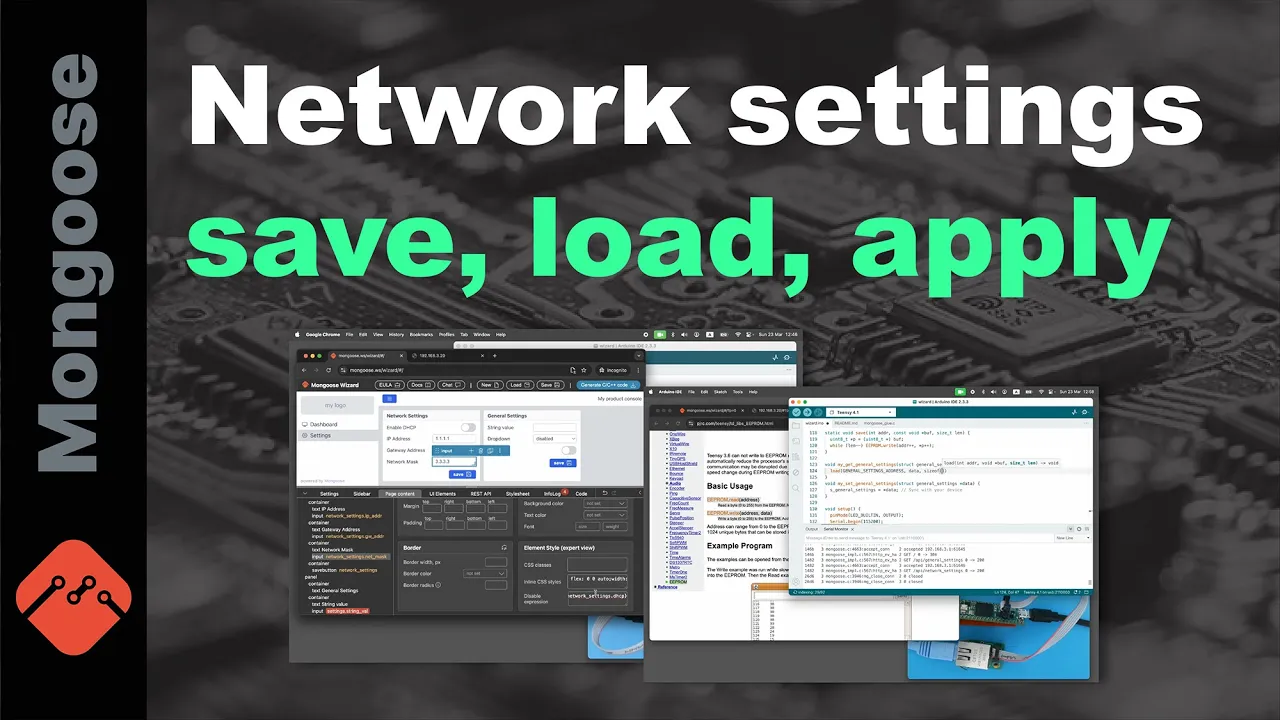
Embedded dashboard tutorial - network settings save, load and apply - on Teensy4.1 and other MCUs
Step-by-step tutorial on how to create a network settings panel for your device, implement persistent load and store, and apply network settings on the fly.
TLS for microcontrollers explained
Basics of TLS on microcontrollers: what is public key cryptography, what is certificate, what is CA, why CA certificates are required. A performance benchmark is provided on STM32 Nucleo-F756ZG development board.
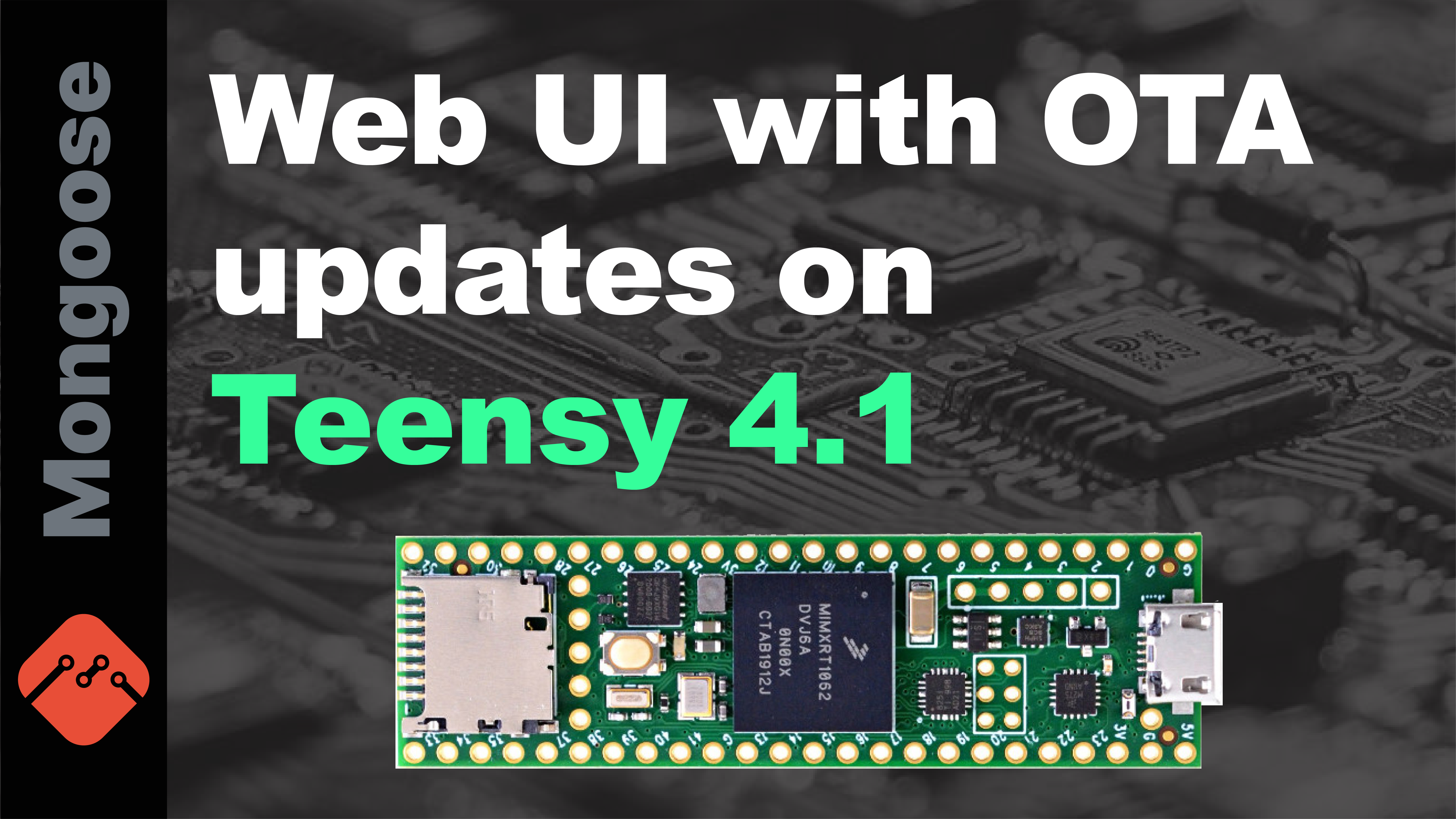
Web UI with OTA updates on Teensy 4.1
Short Mongoose Wizard demonstration which allows to create Web UI dashboard on Teensy 4.1 easily. Mongoose has built-in firmware update support for a variety of microcontrollers, including NXP RT1062 used by Teensy 4.1.
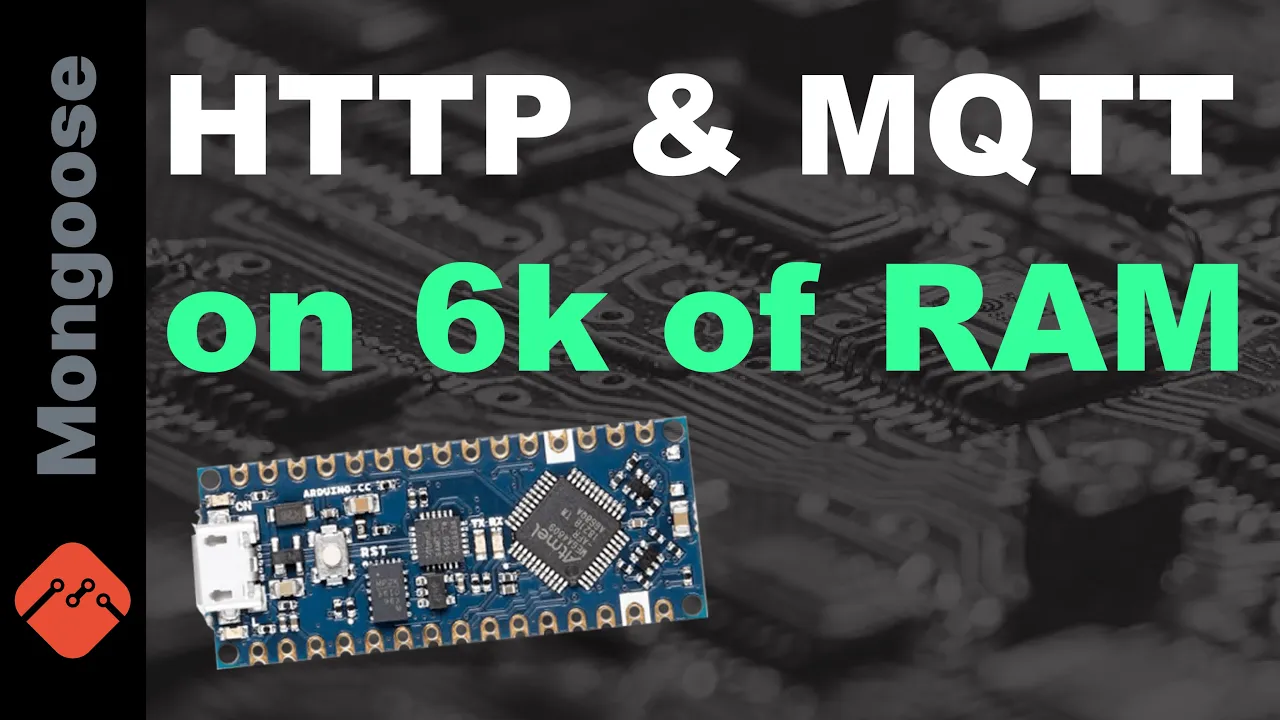
HTTP and MQTT on 6k of RAM
This video answers the question - "What is the minimum microcontroller spec to run Mongoose network stack?". The answer is - 8bit micro with 6k of RAM and 48k of flash. Both HTTP server and MQTT client work, using W5500 Ethernet module.
TLS on 32k RAM & 128k flash
This video analyses the minimal microcontroller requirements to run an embedded web server. We have used RP2040 with W5500 module for tests.
STM32 + Mongoose + AWS IoT
This video is a tutorial on how to connect any microcontroller to the AWS IoT using Mongoose Network Library. As an example, an STM32 H7 development board is used.
Remote firmware updates for microcontrollers explained
This video gives a high level overview of some FOTA strategies, and demonstrates a practical implementation using Mongoose Library.
Webinar Recordings
Embedded Network Programming Guide: Web UI on STM32 from scratch
This video walks through the Embedded Network Programming Guide and implements a Web UI on STM32 development board from scratch.
Implementing remote Over-The-Air (OTA) Firmware Updates on STM32 H5, H7 microcontrollers
This video describes various OTA strategies, and explains their strong and weak points. Then is showcases the implementation on the STM32H573I-DK that uses dual-bank flash support.
IoT device control using MQTT, RP2040 Pico, and W5500 Ethernet module
This webinar shows an implementation of a remote device control for Raspberry RP2040 Pico board with W5500 Ethernet Wiznet module. Describes basics of MQTT, explains how JSON-RPC is used on top of MQTT.
Implementing IoT fleet management from scratch on STM32 using MQTT
This is a webinar recording on IoT fleet management. MQTT essentials, plus hands-on workshop session on STM32 Nucleo board with Cube IDE, using Mongoose Library.
Embedded TCP/IP stack explained: step-by-step code walk-through
This video guides you through the creation of a simple HTTP server on a Nucleo-F756ZG dev board using Cube IDE and Mongoose Library. Then, an HTTP request is wiretapped, and every frame gets explained - how it is handled by the embedded stack, from a driver layer, up to the application.
NXP & Cesanta joint webinar on Implementing Web UI device dashboard on NXP RT1020
This video walks through the Web UI implementation of on a IMXRT 1020 development board from scratch.
Infineon & Cesanta joint webinar: implementing Web UI on XMC7000
This video guides you through the Web UI implementation on XMC7000 line of microcontrollers from Infineon
Testimonials from Webinars Participants
Our webinars are rated 9 out of 10 by participants. Below, you will find some testimonials:
I really enjoyed the webinar. Interesting, straight to the point, well explained. I wouldn’t provide any feedback to improve, at least for me, it was very useful. I work in the automotive industry and in my project, we use OTA. It was interesting seeing how OTA is implemented in other fields. I am looking forward to new webinars from Cesanta. Thank you.
This is my first time attending the webinar, which is short and direct to the point. This is amazing. Kudos to the team behind this content.
Brilliantly compressed and spot-on on the subject, with demos and enough info to get started. Speaking as an engineer to engineers. Not a sales promotion, thank you for that. Generous sharing makes goodwill for later opportunities anyway. Useful links for more info.
The webinar session was amazing, to say the least. Amazing job done by the embedded team for making Mongoose so seamless/easy to integrate with. Seeing this definitely makes me feel like Embedded Networking is no longer in the Dark Ages!
The webinar was a must-watch. I loved it, and it gave me new things to learn. Thank you.
The webinar presenter did an excellent and informative job! A very practical and useful demo! It is a good aim to make these kinds of things as understandable as possible.
The Embedded aspect was nailed on point! This is probably the quickest setup for a web server that I have seen on another board that is not Espressif based. The abstraction and concise incorporation of Mongoose are extremely compelling to see in real-time.
I was impressed by how straightforward it was to set up. Thanks.
It was a very interesting and informative session. Thanks.
Very interesting - will absolutely try the lib by myself.
I am very thankful to you because you shared your knowledge with all of us.
The content was great!